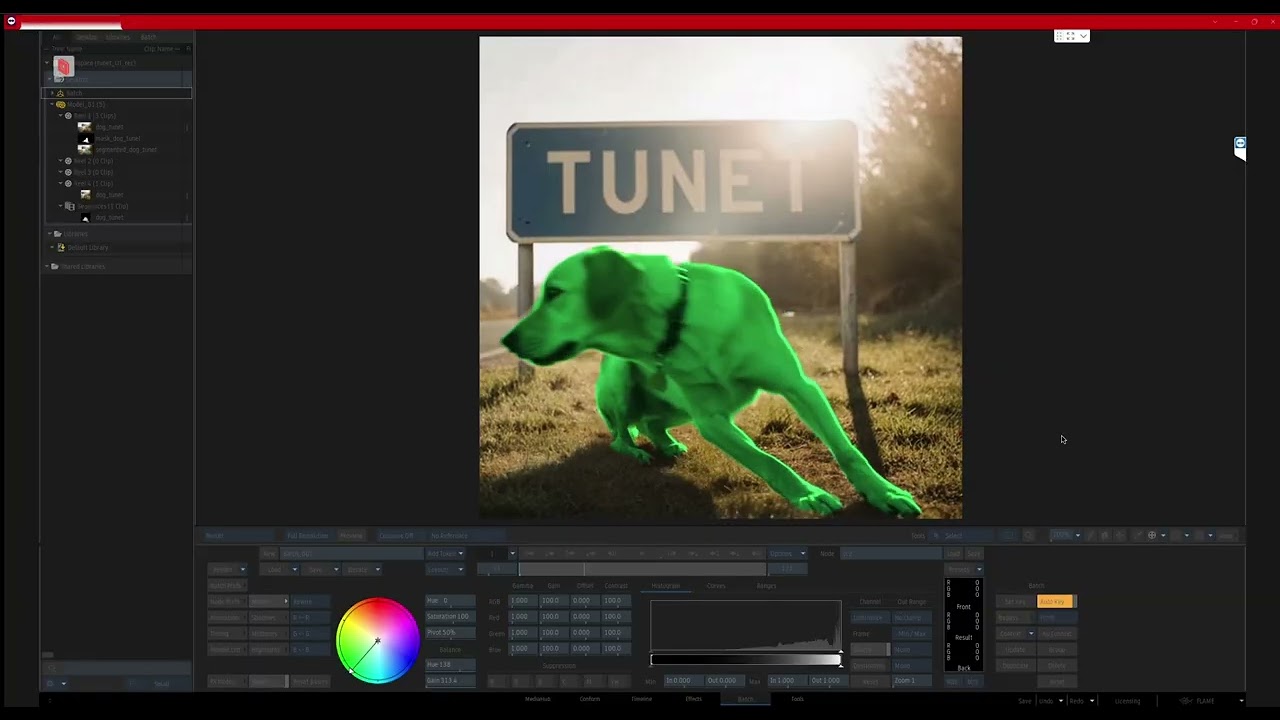
For those on Rocky 9 and using Teragucci, I was getting the usual QT crash upon launching tunet. I created this little one time copy/pasta to setup the conda, install Tunet, blah blah.
Use at your own risk.
bash -euo pipefail <<'EOF'
echo "=== tunet one-shot installer starting ==="

# --- Settings ---
REPO_URL="https://github.com/tpc2233/tunet.git"
REPO_DIR="/scratch/workspace/GitHub/tunet"
CONDA_HOME="$HOME/miniforge"
ENV_NAME="tunet"
LAUNCH_DIR="$HOME/bin"
LAUNCHER="$LAUNCH_DIR/tunet"

# --- 0) System prerequisites (Rocky 9) ---
echo "[1/7] Installing system packages (requires sudo)..."
sudo dnf -y install dnf-plugins-core || true
sudo dnf config-manager --set-enabled crb || true
sudo dnf -y install epel-release || true
sudo dnf -y install \
  git curl wget nano \
  xorg-x11-xauth xorg-x11-utils \
  mesa-libGL libglvnd-glx \
  libX11 libXrender libXrandr libXcursor libXi libXtst libXcomposite libXdamage \
  libxkbcommon libxkbcommon-x11 \
  xcb-util xcb-util-wm xcb-util-image xcb-util-keysyms xcb-util-renderutil \
  xcb-util-cursor

# --- 1) Miniforge (Conda) install if missing ---
if [ ! -x "$CONDA_HOME/bin/conda" ]; then
  echo "[2/7] Installing Miniforge to $CONDA_HOME ..."
  cd "$HOME"
  curl -fsSLO https://github.com/conda-forge/miniforge/releases/latest/download/Miniforge3-Linux-x86_64.sh
  bash Miniforge3-Linux-x86_64.sh -b -p "$CONDA_HOME"
fi

# Load conda for this script
# shellcheck disable=SC1091
source "$CONDA_HOME/bin/activate"
"$CONDA_HOME/bin/conda" init bash >/dev/null 2>&1 || true

# --- 2) Create env if needed ---
if ! conda env list | awk '{print $1}' | grep -qx "$ENV_NAME"; then
  echo "[3/7] Creating conda env '$ENV_NAME' (Python 3.10)..."
  conda create -y -n "$ENV_NAME" python=3.10
fi

echo "[4/7] Activating env '$ENV_NAME'..."
conda activate "$ENV_NAME"

python -V

# --- 3) Install PyTorch (CUDA 12.4 → 12.1 → CPU fallback) ---
echo "[5/7] Installing PyTorch (trying CUDA 12.4 wheels)..."
set +e
pip install --no-input --index-url https://download.pytorch.org/whl/cu124 torch torchvision torchaudio
PT_EXIT=$?
if [ $PT_EXIT -ne 0 ]; then
  echo "CUDA 12.4 wheels failed; trying CUDA 12.1..."
  pip install --no-input --index-url https://download.pytorch.org/whl/cu121 torch torchvision torchaudio
  PT_EXIT=$?
fi
if [ $PT_EXIT -ne 0 ]; then
  echo "CUDA wheels failed; falling back to CPU wheels..."
  pip install --no-input torch torchvision torchaudio
fi
set -e

# --- 4) Install remaining pip deps ---
echo "[6/7] Installing Python deps (onnx, pyyaml, lpips, onnxruntime, Pillow, albumentations, PySide6)..."
pip install --no-input onnx pyyaml lpips onnxruntime Pillow albumentations PySide6
# Optional: OpenCV headless if albumentations wants it
pip show opencv-python-headless >/dev/null 2>&1 || pip install --no-input opencv-python-headless || true

# --- 5) Clone/update repo ---
echo "[7/7] Cloning/updating repo at $REPO_DIR ..."
mkdir -p "$(dirname "$REPO_DIR")"
if [ ! -d "$REPO_DIR/.git" ]; then
  git clone --branch linux --single-branch "$REPO_URL" "$REPO_DIR"
else
  git -C "$REPO_DIR" remote -v >/dev/null 2>&1 || { echo "Existing $REPO_DIR not a git repo; backing up."; mv "$REPO_DIR" "${REPO_DIR}.bak.$(date +%s)"; git clone --branch linux --single-branch "$REPO_URL" "$REPO_DIR"; }
  git -C "$REPO_DIR" pull --ff-only || true
fi

# --- 6) Create launcher that ONLY sets DISPLAY/QT for tunet ---
mkdir -p "$LAUNCH_DIR"
cat > "$LAUNCHER" <<'SH'
#!/bin/bash
# Launch tunet under PCoIP (:100) without polluting other shells
export DISPLAY=:100
export QT_QPA_PLATFORM=xcb
# Activate conda env
source "$HOME/miniforge/bin/activate" tunet
# Run from repo dir
cd /scratch/workspace/GitHub/tunet || { echo "tunet repo not found"; exit 1; }
exec python3 ui_app.py "$@"
SH
chmod +x "$LAUNCHER"

# --- 7) Ensure ~/bin is in PATH for future sessions ---
if ! grep -q 'export PATH="$HOME/bin:$PATH"' "$HOME/.bashrc" 2>/dev/null; then
  echo 'export PATH="$HOME/bin:$PATH"' >> "$HOME/.bashrc"
fi

echo "=== Install complete ==="
echo
echo "Usage now:  tunet"
echo
echo "If 'tunet' is not found immediately, reload your shell:"
echo "  source ~/.bashrc"
echo
echo "GPU check (optional):"
echo '  python -c "import torch; print(torch.__version__, torch.cuda.is_available())"'
EOF
Hi @tpo! I reinstalled Tunet yesterday and the preview window was looking good, but I wasn’t able to convert the checkpoint for Flame. Is it working for you and Flame 2026.2.2? The conversion worked for Nuke, but we gave up our license this year.
Here’s the latest checkpoint in case you chance to look at it: tunet_latest.zip :: Uppercut
I have been on 2025 for while and have not tested on 2026 still:(, i think autodesk has been continue working on infernece and might updated its naming or the “layers” infernece look at? that can be the issue, going to have a read on their docs and check, but will need you to check.
@tpo ChatGPT helped me with the Flame conversion. Basically, I had to conda-forge install onnxscript and then fix a onnx/protobuf mismatch. Then we remove the onnx.data file and now it loads in flame 2025.2.3 and 2026.2.2.
According to ChatGPT, this is specific to Flame on RL9.5, but in the tunet env I also had to run this conda install -c conda-forge libstdcxx-ng libgcc-ng