I really wanna see a “smoke v flame v custom” hotkey battle now.
I know. I am. 


Agree with Alan… most time spend isn’t dragging/ adding nodes and whatnot… it’s… that roto that takes time… that track which needs manual correction… etc… but y’all know that…
Way back I used to do ( a lot of )custom hotkeys… used a streamdeck for some stuff… but then that faded away and I’m not really feeling like I’ve really lost something.
agree with you.
When I initially began my journey with Flame, many seasoned artists advised against altering the default hotkeys for various reasons, such as the difficulties that could arise when switching between different workstations. However, I chose a different path. I started with the default Smoke hotkeys and customized them to better align with my workflow, even linking them to Python hooks.
For example, I set up a single ‘G’ key press to activate the Gmask Tracer. This enables me to stay in the batch without having to drag and drop. Over time, I’ve continued to fine-tune these custom hotkeys, which has made my workflow more efficient.
While I don’t necessarily think that customizing hotkeys makes me a superior artist, it undeniably adds another layer of optimization to my work process. This, combined with other optimizations like hardware enhancements and batch presets, helps me work more quickly and effectively.
One thing I recognized very early in my career, is that I can use Flame with one hand holding the Wacom pen, and the other a sandwich, and have no loss of functionality. That’s pretty amazing, and a capability used more than you’d think.
I’m pretty sure I saw an artist in the 90’s operate a Henry while doing rails on his tablet, and he was indeed moving quite fast.
For me smoke hotkeys work very fast on the editing. However, I have found I cannot go as fast as I could pre anniversary because the flame hangs if I try to go too fast. Using smoke hot keys. This is not a boast it’s actually something of a complaint.
Yeah… it was my big fear during the switch and one of the reasons I hate the reels. It’s slowed down what was a great editorial environment with or without smoke hot keys. Maybe one day we’ll be able to switch that view off.
FYI a hot dog is totally a sandwich.
Yes, and a pumpkin pie is an open-faced sandwich.
But if you swap the bun for lettuce on a double double that becomes a hand salad.
I don’t think we eat the same kind of “sandwiches.”
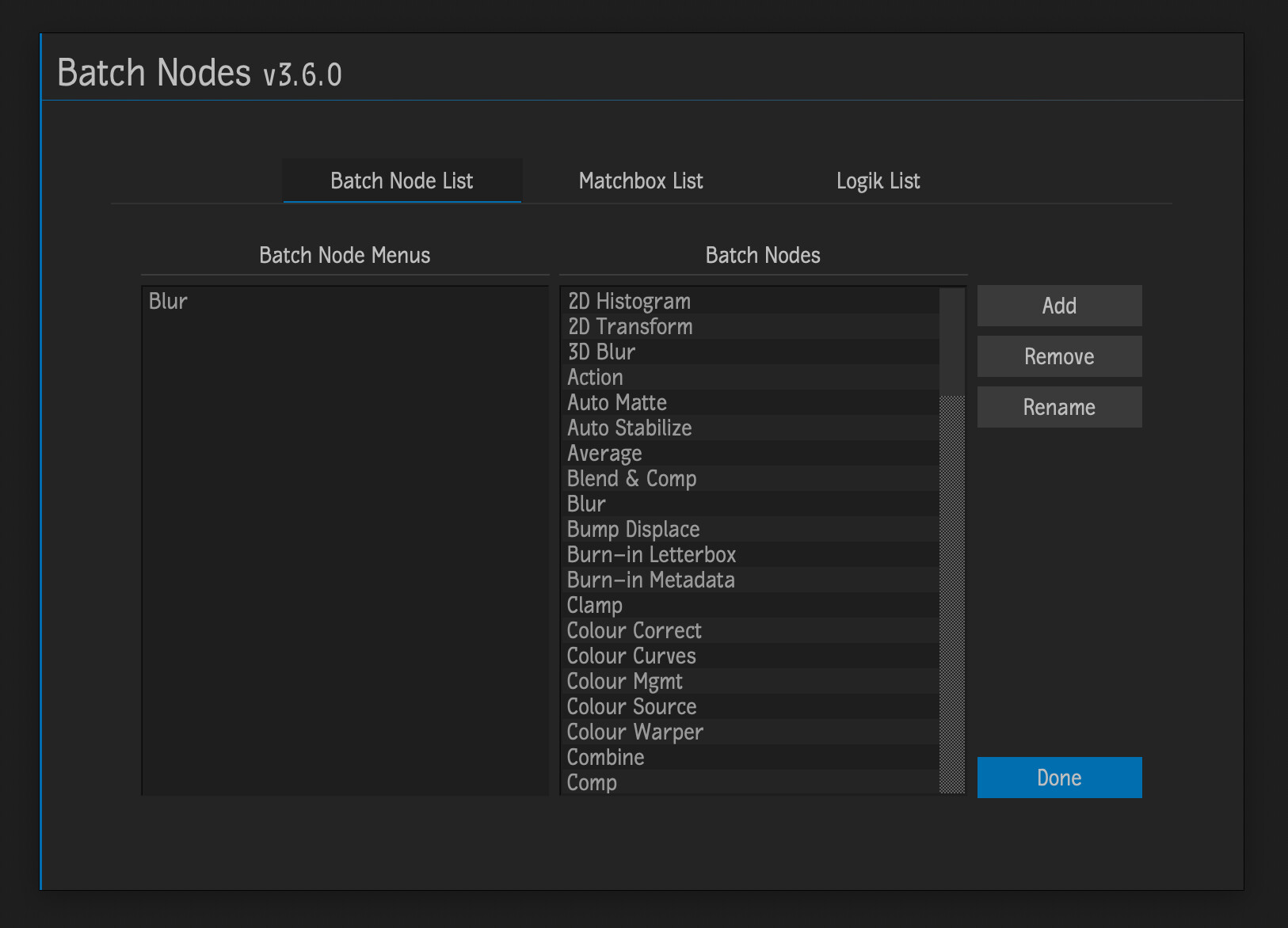
Hey Adam… there’s a script on the Logik Portal that might help with what you’re wanting to. It’s called Batch Nodes. It creates little python scripts for any node you select that will give you a right-click menu for that node in batch. Once you’ve created a menu for the node, the node will show up in the hot-key editor. You can create a menu for a node by either right-clicking on the node in batch or going to the script setup window and selecting the nodes. For any nodes you right-click on in batch to create the menu from it will also save any settings that have been changed in that node. If you want to save a ofx node that can only be done in batch, not through the setup window.
Mike