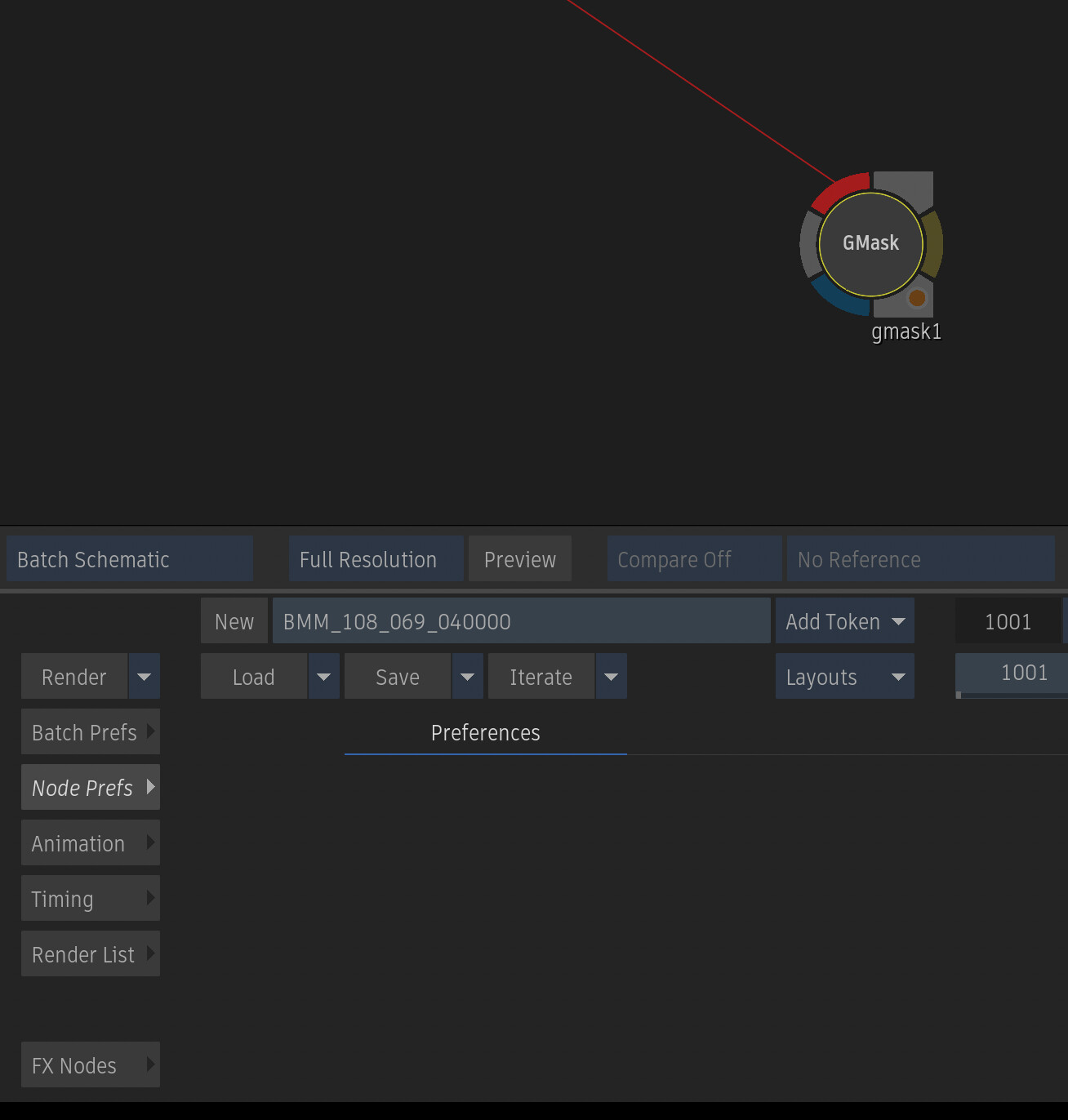
Am I the only one still using the old GMask node? Am I wrong to still love it? It’s been with me since forever, putting in the hard yards without ever complaining. But to my dismay in Flame 2026.2 the Node Prefs have just been unceremoniously removed (or is it a bug?), so no motion blur options etc. So is it no longer supported in Flame? Is this how we are going to farewell such a trusty stalwart in Flame? It deserves better!
Loved the way you just pressed M and it closed the mask. Find the way the new mask doesn’t complete a mask for you so annoying.

7 Likes
You can set a custom hotkey. I have mine set to [Smoke] C. Flame keys may call that key something else. Strangely other key combinations with Alt and Control don’t work.

I still miss the superior drawing of gmask legacy for mattes. It was more wysiwyg where as drawing complex stuff with tracer feels more like drawing with thick rubber gloves on
That said, everything else is superior in tracer (except maybe the buggy closing of the spline which might be related to teradici).
I use both and prefer them both to be available as tools suited for the given task/time. Here is my reasoning for both:
I see the diff between the two mask nodes as the diff between the comp vs the action node. Both can be used to do a quick simple comp but the comp node is obviously a better choice for its one task-only = simplicity = speed benefit. No need for hitting extra buttons or taking your hand off the Tilda or ESC key for the multi-key hotkeys dance, etc. If something else needs to be done or is anticipated as potential in addition to the comping task then the action node could be a better choice. The same applies to both gmask nodes. Its not about old vs new, it is about what’s more efficient = fast for what needs to get done at a given moment.
Another advantage is if anyone else picks up your setup for rev etc, by just looking at the type of node (action/comp or tracer/legacy) they could instantly visually assess the extent of processes or functions that are possibly being applied to that incoming image without having to step into the node for verifying what processes are active/applied. This quick visual referencing of nodes is quite time saving when you are troubleshooting or rewiring things within large complex setups.
Same can be said for other tools like all cc/grade nodes, keyers, trackers, etc.
it is both the nodal and UI’ multi-workflow redundancy aspect of flame, this choice of being able to pick a very task-specific therefore fastest-for-the-current-task node (simplest to the.complex) as well as the UI’ inherently unique capacity to be able to perform one task in multiple ways IS the greatest and thee distinguishing attribute of flame and the major contributing factor to its overall speed. Flexibility = Efficiency = Speed. Its not about the hardware and/or the toolset (to some degree) anymore.
And this above mentioned foundational DNA of flame which includes unique-to-it UI’ organic ergonomics is what still sets it apart from the rest despite attempts to make it behave more like the other apps, starting right from the restyled splash/proj selection/creation screens mimicking decades old floating windows style (replacing elegant ones with well designed and visually much cleaner, therefore much faster, layouts) for the sake of pre-sales familiarity. And that is not advancement by any measure.
Plus you can import silhouette rotoshapes

It’s the way that edge bulges and pinches that’s different. That being said, no slight deference in feathered edge is getting me back inside the legacy gmask and when I see it in a setup I pick up I groan as audibly as I do when I (after 20minutes of being like what the heck is going on here) see a modular keyer setup. Sorry, just have to say it.


Yeah still very helpful for all sorts of things. Just a different tool with different use cases than the tracer.
I’ve gone 100% tracer since I hate getting halfway through a task and find I need the benefits of a different tool. I can get around the softness issue, but the one thing I really miss about the legacy is the ability to remove points from the spline without actually deleting them, and the ability to add them back again later.
3d position per vertex in order to create a geometry for projectors.
nobody cares about it.
life is short.
move on and have a lobotomy
Tracer is much more useful and complete.
However, I miss the softness of the old GMask as described.
I do a lot of beauty work and for refinement the old GMask feels much cleaner but it’s also much slower, so I don’t use it.
I also use it to integrate still images with very precise shapes, where that softness really helps.
A mix of that old softness with the current Tracer would be one of the best updates for me in Flame.
Bryan,
Can you please submit a General Improvement request for this on flamefeedback.autodesk.com
Thanks Fred. I thought I requested this many years ago but I can’t find it now. Here’s a new request:
Node Prefs have reappeared in 2026.2.2 - thank you!
Region of Interest. Still trips me up in Tracer trying to replicate it.
finding the “close” button is kind of annoying too