Very cool. Of course, you can then manually specify bit depth on your own as before, if need be.
Reformating actually gets rid of any action elements inside the timeline segments and returns a black result for those segments (2020.3.1 is the latest version where I saw this, like 10 minutes ago haha), so +1 to the container for sure
This issue is near & dear to my heart because it’s the first thing I messed up as an assist.
Sorry, Gurvand.
This is funny, I’ve been handed a project, and I noticed the seq was 8bit. I came to check if my copy and paste method was the best method. I noticed reformat would do weird things. But reformat worked fine if you unlinked, then relinked everything, but that is a pain. I just wanted to double check, since I’m removing into someone else’s machine.
Glad to know I’m not alone, I’ve also 8bit by accident to myself too.
Sorry for being late at the party 
This is a simple change on our side BUT I am curious to know how you gals and guys feel about this change.
You feel it is a good idea? Go vote for the request here
You feel this is not a good idea? Please add your comment on the same improvement.
I feel that if we were to make this change, it should be part of a major Flame Family release since changing behaviors like this one in a point release might be confusing. I am open to debate
Have a nice Flame day!


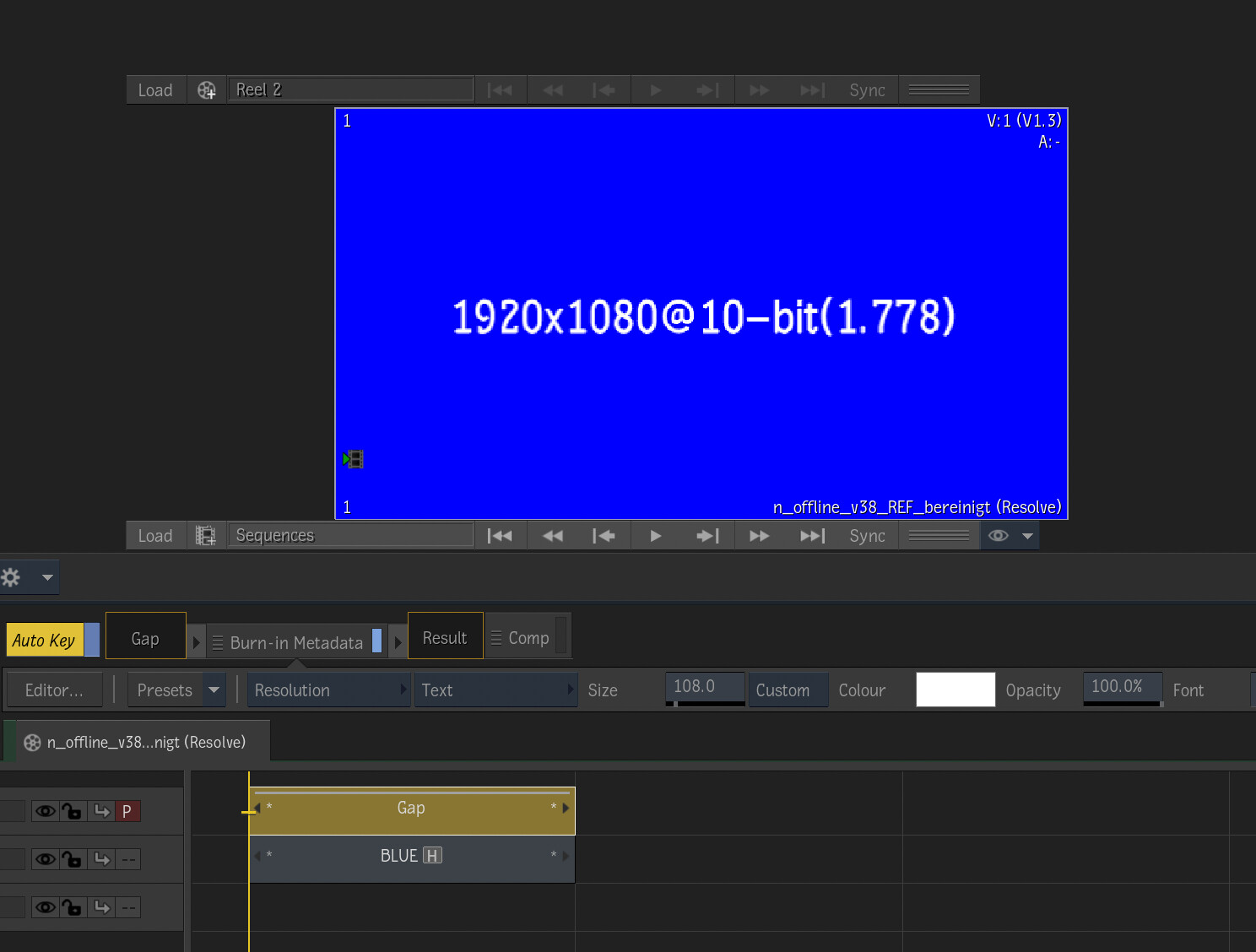
Notice though, that you’re in the EDL Import Options tab. This defaults to “Resolution From Project”. the AAF/XML import defaults to “Resolution From File”. Obviously you can go in and toggle the settings, but yeah, that’s what we’ve been discussing, getting AAF/XML to default to “Resolution From Project”.