The non-UI version has the resolutions hard-coded so unless you change it, then yeah…it won’t do anything as your resolutions match. @john-geehreng’s route is the way to go.
More than happy to update my hook with the new resolution if people wish…that said I personally think these higher resolutions for a tiny phone are ridiculous. The idea of working in 4K for a social delivery…pfff. But such is the world we live in.
hmm i tried this with the gui version and clicking run it only created the target reel but did not make any new timelines, didnt see anything in the log either
need to re-investigate this i am pretty sure ive used it before for HD to UHD.
What do you mean scaling in Action doesnt concatenate?
Its good you used Actions. Make sure everything is parented to a single axis in each shot’s Action. Make the destination timeline, drag the source timeline into in the destination, then on that parent axis do the scaling math in the little popup calculator (dest/src*100 for ex, 1440/1080*100 for a 1x1) and it will work fine. The warping is on the image surface, and that controlled by the parent axis. Then to speed it up, I would save a timelineFX Action setup per shot & resolution. Then just bang them in down the line on the other timelines. Is it auto-magical? No, but its not awful. Work is work. I would just uprez on export. Ill bet the supers werent provided at those new resolutions, but the usual resolutions, so whats the difference.
Indeed strange, especially not seeing any errors. I’d be curious to know how the non-gui version works for you. You can change the values within the group of functions that do the actual creation.
For what it’s worth, Meta will accept smaller sizes. They simply recommend the larger sizes. I’ve been building at this size for a year now. But if the client’s spec sheet says 1080x1920, I size it down on export. As @cnoellert says, there is no magic bullet.
However resize + action does not , as every other app works like that thats why flame has a hard time dealing with scaling info from other apps… as often the scale info is relative to timeline not to source res. thats also why I can just change a resolve timeline from HD to 8K and not have a single scaling issue.
So i would have to go into every shot and scale the axis, i have tried this but due to the aniamted surfaces this does not work as it scales up from the wrong point so stuff is not where its supposed to, and there are gmasks that are not parented to the surface axis .
its just plain not acceptable that we cant reformat timelines…
what we really need is complete concatenation of all transforms all the way to output scaling like resolve.
so if you have a HD timeline and you need to export UHD, just pressing UHD for export should render everything at that resolution and concatenate all transforms …
 in resolve of course this just works fine.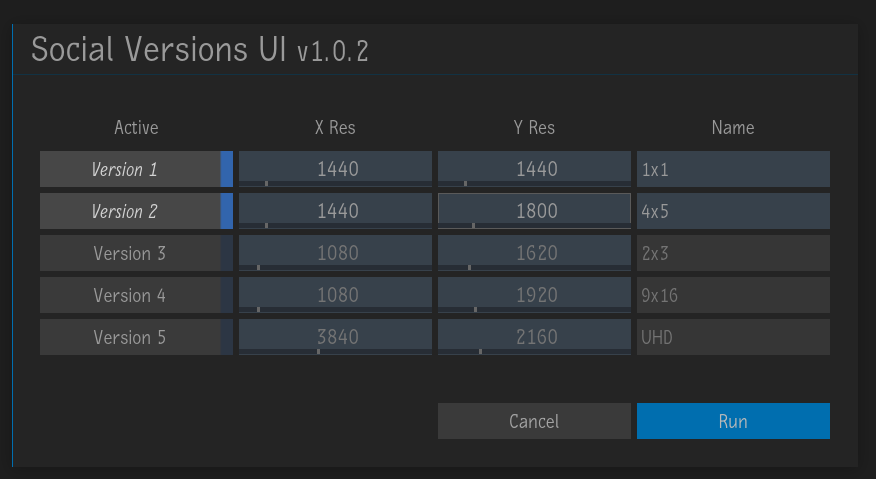
 This is brilliant. Thanks for the heads up