bringing this back from the dead. Anyway to do this? I have a bunch of mult-channel comps, with several alphas, that have to be published from the timeline as sequences, but they are only appearing as embedded alphas.
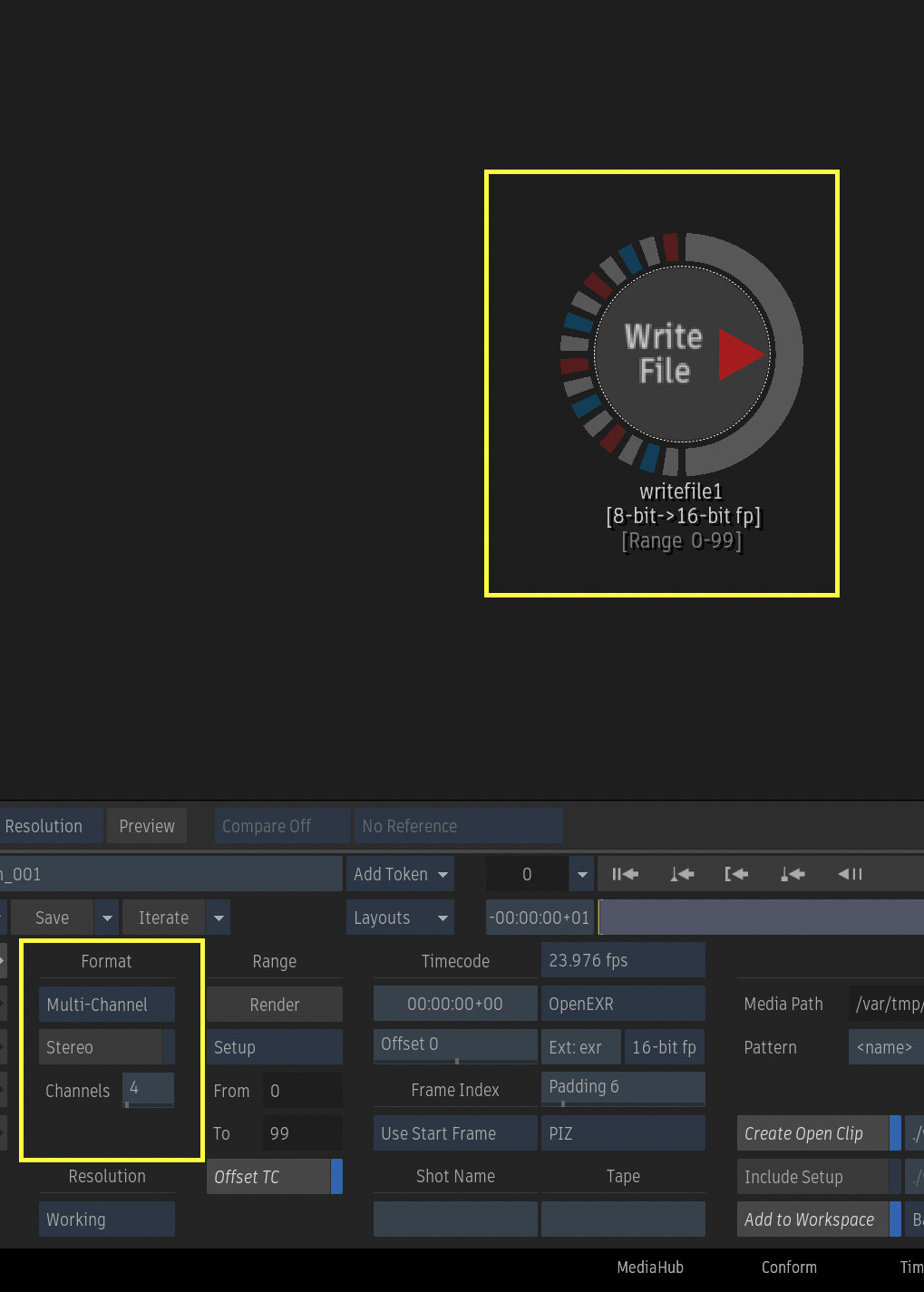
Publishing is working. It seems you may have to match the same compression–although I’m not sure TBH. This is what worked for me. In my case they are of my EXRs were DWAA and multichannel. You can see it in format on one of the source clips in my edit:
Take note of the compression in the Metadata area. Scroll down to find it. Then for my publish settings I made sure that it was the same compression, that multichannel and alpha were selected.
@GParry Adding timeline effects seems to kill Multichannel export of a single clip. You would need to recombine them after (Fusion/Nuke) or use batch’s multichannel exr write node to export the clips–after painstakingly connecting each and every layer from your source to you write node. It’s a perfect python problem to solve. Assuming that now that’s five years later you found a solve though lol.
@cnoellert - thanks so much for the research. I will neither confirm or deny if I found a solution or simply forgot about it and moved on. Autodesk peeps - I would really really love it if the system could support multi-channel in all areas - maybe there is a world where you could promote a clip to BFX, have the connections prebuilt back to the BFX out, and then apply effects per channel where needed ((you wouldn’t want a colour correct to auto apply to your motion pass)?
you need to do a bit of work up front, namely import separately the channels of your multi channel file and then recombining them in a vertical timeline stack, but this as has worked for a long time.